
Payroll Software Built for Indian Compliance
Payroll that reads from your attendance and leave records, computes PF, ESI, professional tax and TDS, and produces the payslips, returns and bank file from the same run. One click, and it completes in minutes at any headcount.
Book a Demo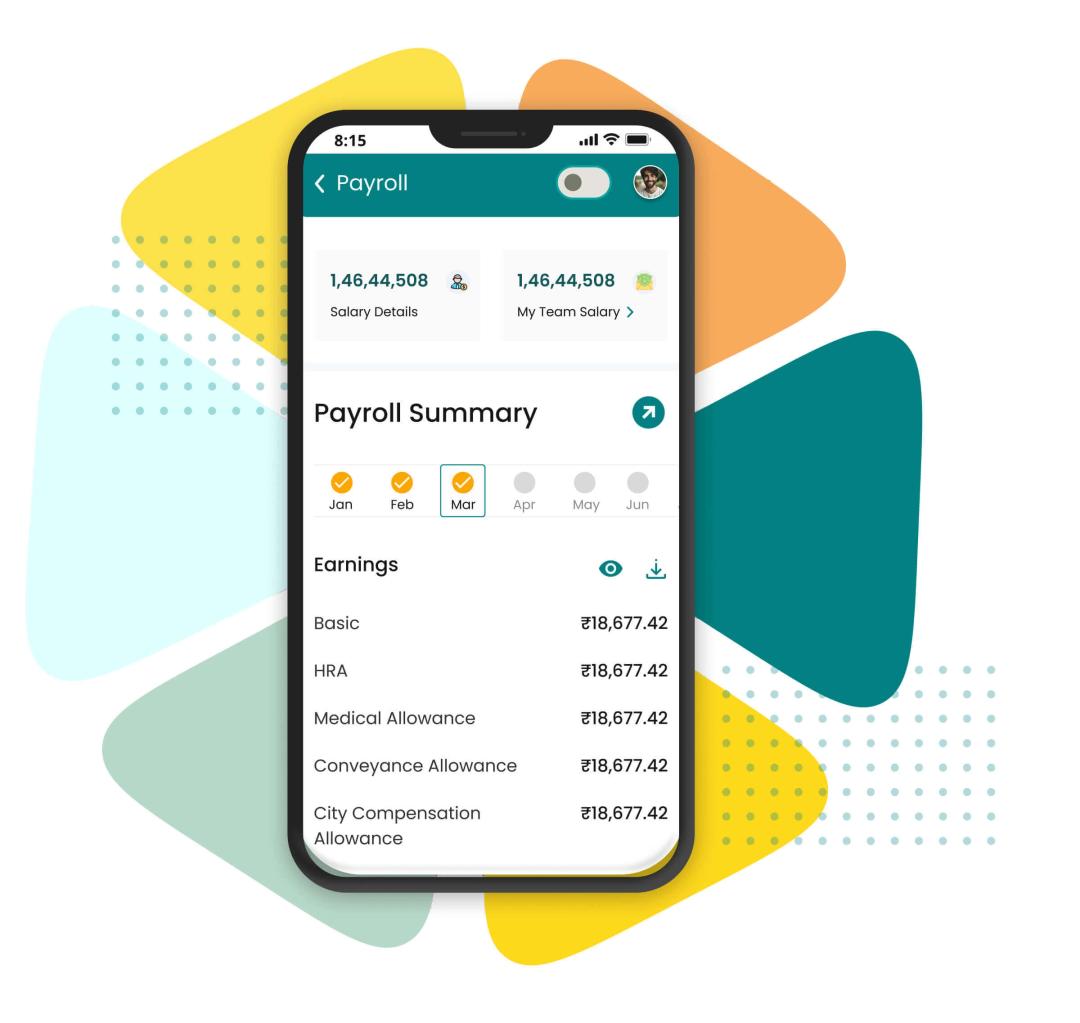
Clients running on Engage




One record set behind every payroll run
Every payroll run reads from one set of records: the employee database, attendance and leave. That is why the salary sheet and the muster roll cannot disagree.

TDS, PF & ESIC automatic computation
Employee expense reimbursement management
Configurable Salary Component & Structures
Simple payroll processing in 6 steps
Why payroll teams move to Engage

Single Software to Manage Payroll
Consolidate payroll operations with one platform that integrates expense management, attendance & leave tracking, and loans & advances.

Fully Compliant with Tax Laws
Ensure full compliance with tax laws, including meticulous management of PF, PT, ESIC, and more, for seamless and secure payroll processing.

Timely Payouts & Seamless Integration
Guarantee timely payouts and smooth integration with systems for payroll accuracy, ensuring streamlined and dependable financial management
Payroll management software, from attendance to returns
Engage is payroll management software for Indian employers. It works out what each employee is owed from your attendance and leave records, then produces the payslips, the bank transfer file and the statutory returns from that same calculation.
PF, ESI, professional tax, Labour Welfare Fund and TDS are computed inside the run, by each employee's state, with mid-year slab and ceiling changes already applied. The ECR, the challans and Form 24Q come from the figures on the payslip, so nothing is re-keyed before filing.
Moving payroll off the spreadsheet
Most teams switch to payroll software after one of these three problems has cost them a month. Here is what each looks like on a spreadsheet and on Engage.
The muster roll and the salary sheet disagree
Attendance lives in one system and payroll in another, so every cycle starts by reconciling two versions of the same month. The differences are almost always in loss of pay and overtime, and they reach the employee before anyone catches them.
The rules change mid-year and the spreadsheet does not
Slab revisions, wage ceilings and state rates move without waiting for April. A formula written last year keeps using last year's numbers, and nothing in the sheet flags it.
The process lives with one person
The spreadsheet has one author, no version history and no record of who changed what. When that person is on leave, payroll waits. Query a figure months later and nobody can work out how it was arrived at.
All three come from records sitting in different places, so Engage keeps attendance, leave and payroll on one employee database and nothing moves between systems. If you only need to check a single number today, the salary calculator and TDS calculator are free to use.
Statutory compliance built into every run
Engage computes each statutory head inside the payroll calculation, so the payslip, the register and the return file show the same figure. State-by-state rates and due dates are in our HR compliance hub.
Provident fund
MonthlyPF wages, employee and employer contributions, and the monthly ECR file, computed from the same run that produced the payslips.
ESI
MonthlyEligibility tracked against the wage ceiling automatically, so employees moving in and out of coverage are handled without manual review.
Professional tax
By stateState-wise slabs applied by work location, which matters the moment you employ people in more than one state.
TDS on salary
MonthlyProjected annual tax across both regimes, adjusted every cycle as declarations, proofs and variable pay change.
Labour Welfare Fund
As leviedLWF deducted at the rate and frequency each state sets, for the states that levy it, without a separate tracker per location.
Form 16
AnnualYear-end Form 16 generated for every employee from the year's payroll data, with Part B built from the same figures already reported.
Form 24Q
QuarterlyQuarterly eTDS returns built from the same salary data, with annexures filled from the deductions already reported each month.
Investment declarations
Self-serviceEmployees file Form 12BB declarations and upload proofs in self-service; approved proofs adjust the monthly TDS from the next run.
Statutory bonus
AnnualBonus computed on the eligible wage against the applicable percentage, with the register the Payment of Bonus Act requires.
Gratuity and full & final
On exitGratuity, leave encashment and notice recovery computed together when an employee exits, so settlements close on time.
Each run also produces a payroll reconciliation view and a month-on-month variance report, so an unexpected figure is caught before disbursement rather than found during an audit.
Who Engage payroll is built for
A fifty-person services firm and a multi-state manufacturer need different things from payroll. These are the teams Engage payroll is set up for. In a regulated industry, see how it works for manufacturing, BFSI or healthcare.
Growing organisations
Organisations of 50 employees and up, where payroll, attendance and leave share one login instead of three systems. The same run covers one office or fifty.
Multi-state employers
Organisations with offices in more than one state, where professional tax slabs, minimum wages and holiday calendars differ by location and manual tracking stops scaling.
Field and shift workforces
Retail, manufacturing, logistics and services businesses where overtime, shift allowances and site-wise attendance decide what actually gets paid each month.
Finance and HR sharing payroll
Where HR owns the inputs and finance owns the payout, role-based access and an audit trail on every change keep both sides working from one register.
Salary structures for every pay group
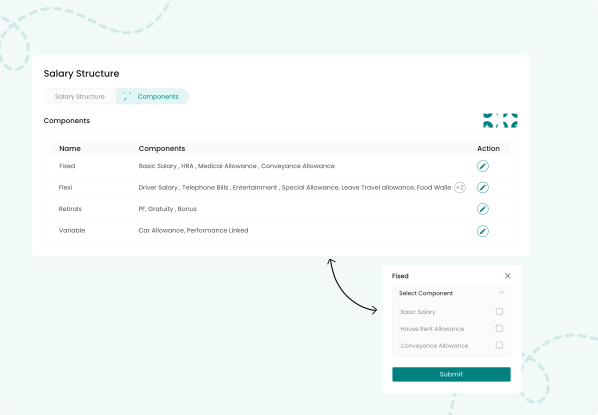
A sales team paid on commission, a factory team on shift allowances and a head-office team on a fixed CTC cannot share one template. Engage lets you define a structure once, assign it to a pay group, and revise a single head without rebuilding the salary breakup for everyone on it.
Arrears on a backdated increment and full and final settlement on an exit come from the same definitions that produced every monthly payslip.
Expenses settled in the next payroll run
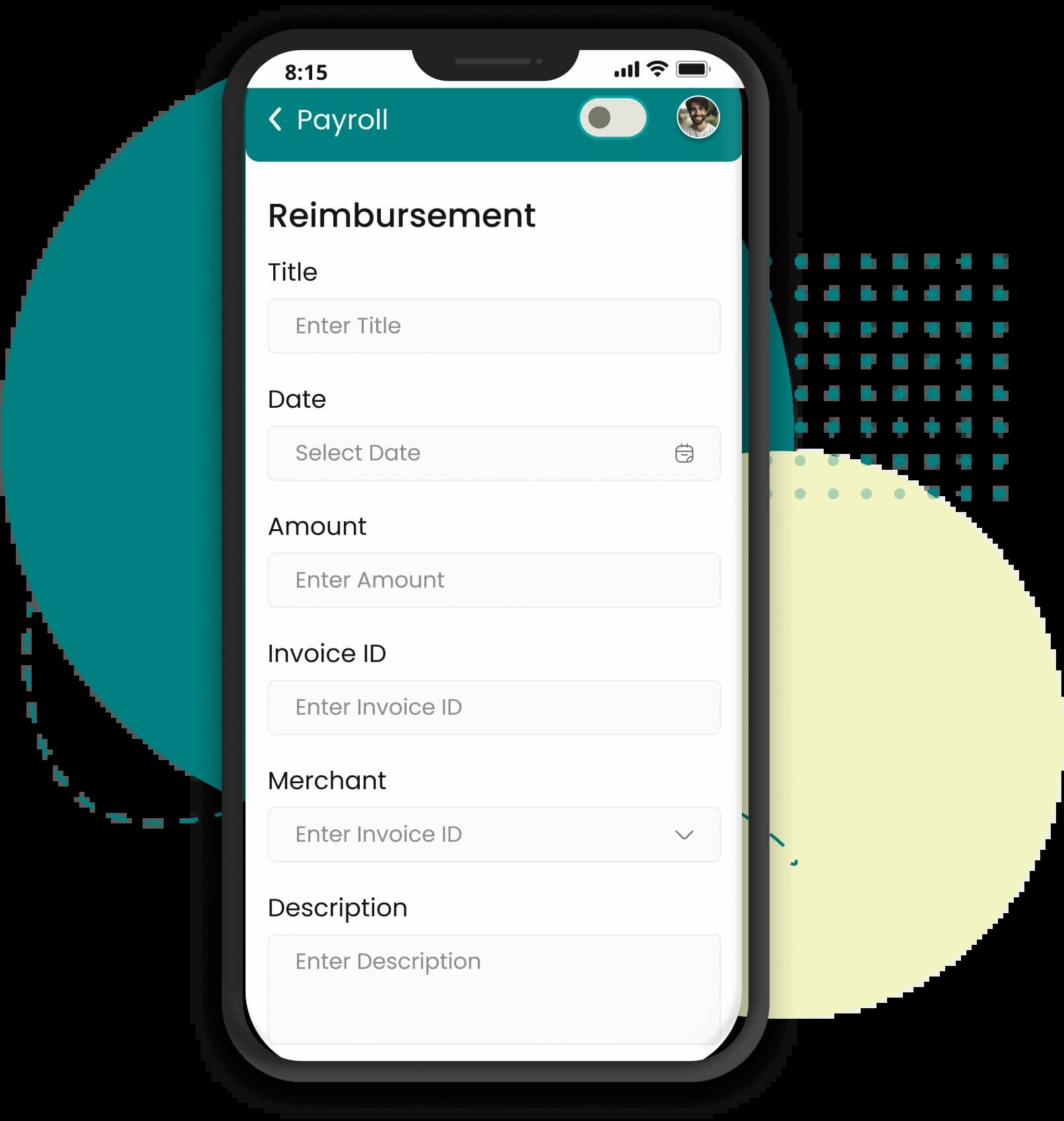
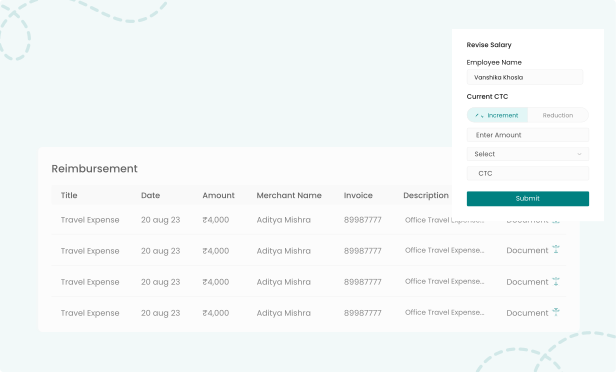
Expense claims usually sit outside payroll: a form, an email trail and a separate payment run. Engage keeps the claim in the attendance app, routes it through your approval chain, and the next payroll run picks up approved amounts as reimbursements.
Payroll in six steps
The same six steps run every cycle, at thirty people or tens of thousands. Each hands its output to the next, so nothing is re-keyed and the calculation itself is one click. That handover between steps is where Engage's payroll automation does its work.
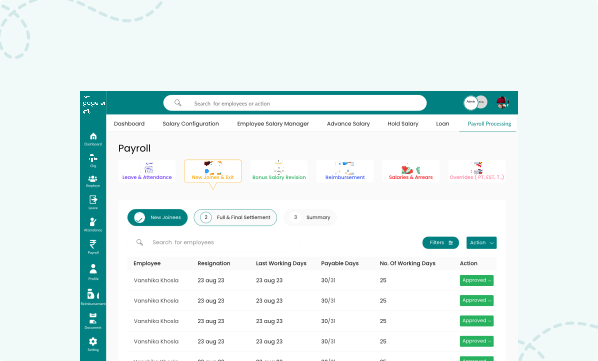
- 1
Lock attendance and leave for the cycle
Close the attendance and leave window for the month. Approved leave, loss-of-pay days, overtime and shift allowances flow straight in from Engage attendance and leave, so nobody rebuilds a muster roll in a spreadsheet.
- 2
Import variable inputs
Add the inputs that change every month: incentives, one-off bonuses, arrears, loan and advance instalments, and approved expense claims. Upload them in bulk or let approvals push them in automatically.
- 3
Run the salary calculation
Engage applies each employee's salary structure to the locked inputs and computes gross pay, statutory deductions, income tax and net pay for the whole organisation in a single run.
- 4
Review the variance report
Before anything is finalised, compare this cycle against the last one employee by employee. The variance report surfaces every unexpected jump so payroll errors get caught before payout, not after.
- 5
Approve and disburse
Route the register through your approval chain, then generate the bank transfer file in your bank's format. Payslips are published to employee self-service the moment payroll is locked.
- 6
File statutory returns
Generate the PF, ESI, professional tax and TDS return files for the cycle, along with challans and registers, straight from the same payroll run that produced the payslips.
Outputs
Payslips, returns and reports from the same run
Finance wants the journal, the employee wants a payslip, and the PF and TDS filings each need a file of their own. Engage produces all of it from the run that already did the arithmetic.
Salary register and payslips
The full register for the cycle, and an itemised payslip for every employee published to self-service the moment the run is locked.
Variance and reconciliation
This cycle against the last, employee by employee, plus a reconciliation view that ties gross, deductions and net back to the register before anything is disbursed.
Statutory registers and return files
The PF ECR, the ESI contribution file, professional tax and LWF returns, Form 24Q for the quarter, and the challans that go with them. All of it comes from the run that produced the payslips.
Bank transfer file
The disbursement file in your bank's own format, so the register does not have to be retyped into a net banking portal.
Salary journal for accounting
Payroll cost split by head and cost centre, posted to your accounting system as a journal rather than re-entered from a printed summary.
You can schedule any of these to reach finance on a fixed day each cycle. Query a figure six months later and it still resolves back to the run that produced it and the audit trail behind it.
Integrations and data security
Engage hands payroll output to the systems finance and IT already run, in the form they expect, so nobody retypes a spreadsheet.
- AccountingThe salary journal posts to Tally, Zoho Books and QuickBooks, so payroll cost reaches the books as a journal entry with the cost centre attribution already applied.
- BankingEngage generates the transfer file in your bank's prescribed format, then tracks the payment status of each cycle back against the register.
- Single sign-onEmployees and administrators sign in through Google Workspace, Microsoft Entra ID or Okta, so payroll access follows the same joiner and leaver process as everything else.
How payroll data is protected
Payroll holds the most sensitive records an employer keeps. Engage is ISO 27001 certified and payroll data is hosted in an Indian data centre region, so salary records stay within the country. Access is role-based rather than all-or-nothing. An HR administrator, a payroll processor and an approver each see only what their role needs, and you can hide salary figures from managers entirely. Engage logs every change to a payroll record against the user who made it and when.
Customers already running on Engage
Engage HRMS is an intuitive HR solution that automates HR, attendance, leave, and payroll processes for us. The team is always available for support and helped with custom solutions as per our organisation specific needs. We were highly satisfied with the service provided by their product
Neelansh
Director, Switcher
Payroll works with the rest of Engage
Payroll is only as accurate as the records feeding it. These modules share one employee database, so a change made in one is reflected in the next payroll run without an export.
Attendance management
Biometric, mobile and geo-tagged attendance that feeds loss-of-pay and overtime straight into the payroll run.
Leave management
Leave policies, accruals and approvals that reconcile with the salary register instead of sitting in a separate tracker.
Core HR
The employee database, documents and onboarding records that every payroll calculation reads from.
Performance management
Appraisal and goal outcomes that decide increments, incentives and variable pay each cycle.
Free payroll tools and references
Every tool below is free and none of them ask you to create an account, whether or not you run payroll on Engage. For the paperwork that goes with a salary revision, see our HR letter templates. For the terminology, see the HR glossary.
Salary calculator
Break a CTC into its component heads and see the take-home that results.TDS calculator
Estimate tax deducted at source on salary before you finalise a monthly run.Professional tax calculator
Check the professional tax due for a salary in a given state.Gratuity calculator
Work out gratuity payable on an exit from tenure and last drawn salary.Payslip generator
Build a formatted payslip for a single employee, free and without signing up.HRA calculator
Work out the exempt portion of house rent allowance before you fix a structure.
